A clock for your desk.
Awareness for your workspace.
An analog or digital clock with optional camera motion detection and silent video clips saved on your Mac.
Video only. This app does not record audio.
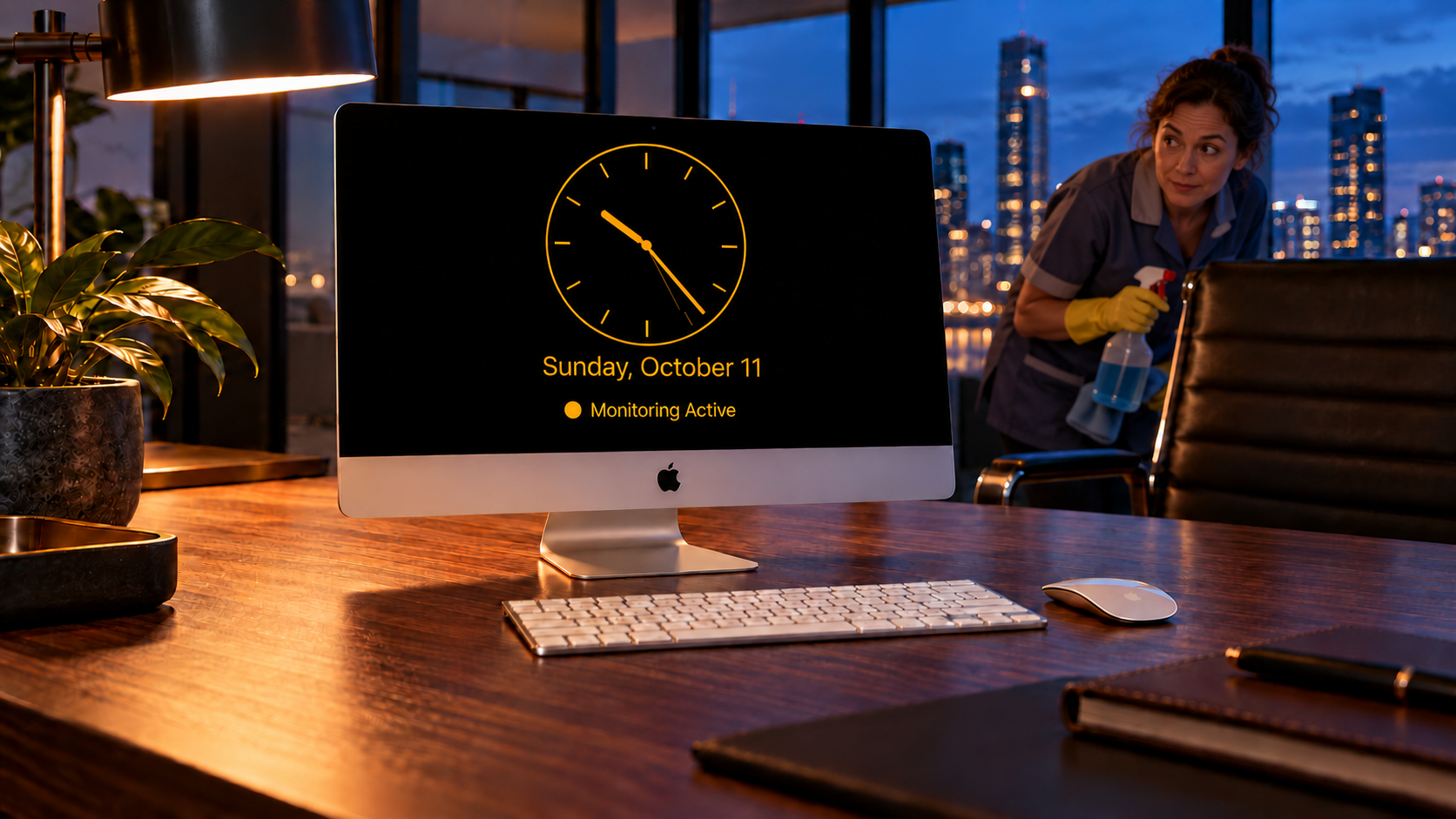
Digital or analog.
Choose your clock style, five colors, brightness, and optional date. Start manually or activate after your chosen idle period.
Start on your terms.
Choose recording settings and a 0–5 minute motion-start delay. Enable Record Motion Clips when you want saved video rather than detection alone.
Keep footage local.
Play clips, save selected videos to Photos, or open the recordings folder. Optional Touch ID or Mac-password protection controls in-app access.
What you need.
- Software: macOS 13 Ventura or later.
- Computer: A compatible Intel or Apple silicon Mac running the required macOS. Check Apple’s Ventura-compatible Mac models.
- Camera: A working built-in or macOS-compatible external camera for preview and motion recording. Clock-only use does not need a camera.
- Permissions: Camera access for preview and monitoring; Photos access only to save a selected clip.
- Protection: A Mac account password for protected access; Touch ID is optional on compatible hardware.
- Display: Enough usable desktop space for a 1040 × 650 point app window.
- Storage: Free space for video and temporary recording buffers. Recording stops below about 100 MB free. Optional cleanup can reclaim older clips; more free space is recommended for extended use.
Office Watch keeps the Mac and display awake during its clock/countdown. Leave the Mac running in an active user session, with the camera unobstructed; connect laptops to power for extended monitoring. Locking, manual Sleep, closing a laptop lid, or quitting can interrupt monitoring. Internet is not required for local clock and recording features; online policies and email support require a connection.